Dokploy
Deploy OpenClaw on Dokploy behind the open-source ControlClaw firewall. Import one template, add a model key and deploy. The firewall is OpenClaw's only way to the internet.
This guide runs OpenClaw on your Dokploy server with the ControlClaw firewall in front of it. You import one template, and Dokploy starts three services:
- firewall: the ControlClaw firewall, its panel and its proxy.
- egress: a small Alpine container that owns OpenClaw's network. Its packet filter drops everything except traffic to the firewall's proxy.
- openclaw: OpenClaw with a login page, running inside
egress's network.
Dokploy adds a network for its proxy to the services it runs. The packet filter lives in OpenClaw's network namespace, so that extra network doesn't give OpenClaw a way out.
What you need
- A Dokploy server with 4 GB of RAM or more. The firewall uses about 200 MB.
- An API key for OpenClaw's model, such as Anthropic, OpenAI or OpenRouter. OpenClaw doesn't start without one.
curlandjqon your computer, to build the import string.
Build the import string
Dokploy imports a template as one base64 string that holds the Compose file and the template's settings. Download both files and build it:
base=https://raw.githubusercontent.com/madarco/controlclaw/main/standalone/deploy/dokploy/controlclaw-openclaw
curl -fsSLO "$base/docker-compose.yml"
curl -fsSLO "$base/template.toml"
jq -n --rawfile compose docker-compose.yml --rawfile config template.toml \
  '{compose: $compose, config: $config}' | base64 | tr -d '\n'
Copy the output.
Import it
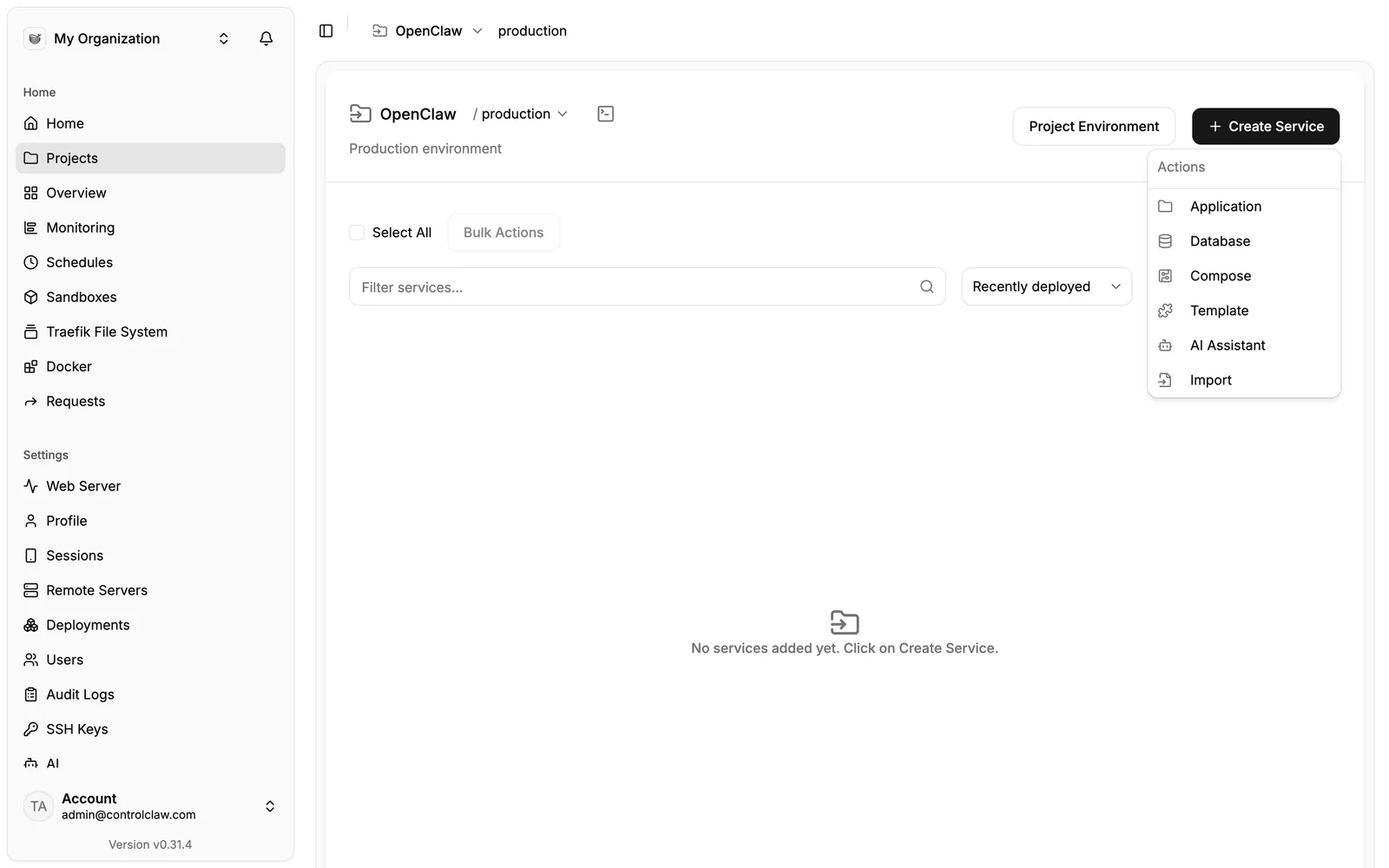
Open a project (or create one), click Create Service and choose Import.
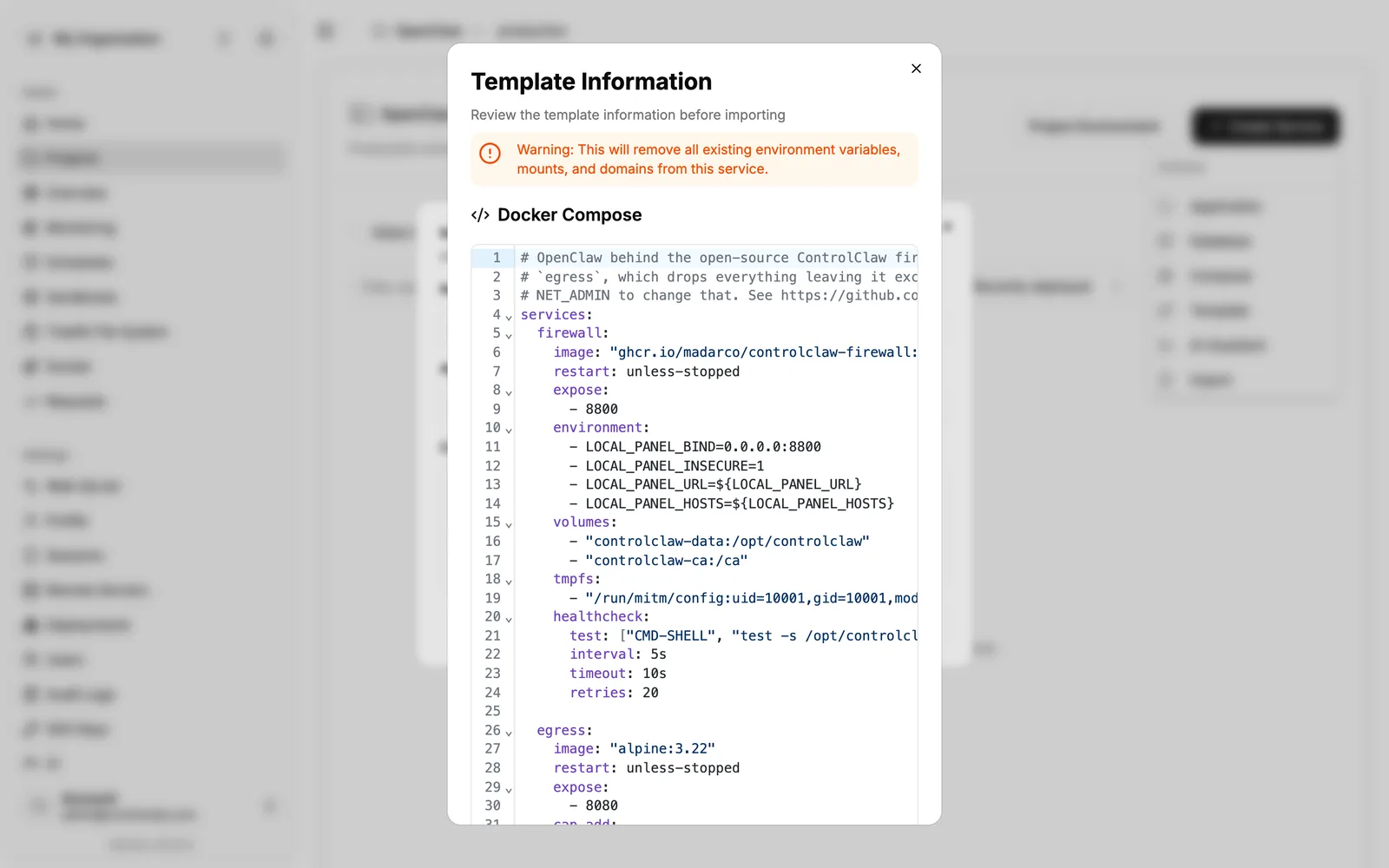
Paste the string and click Import. Dokploy shows the template's information: the Compose file, the domains and the environment it will set.
Add a model key
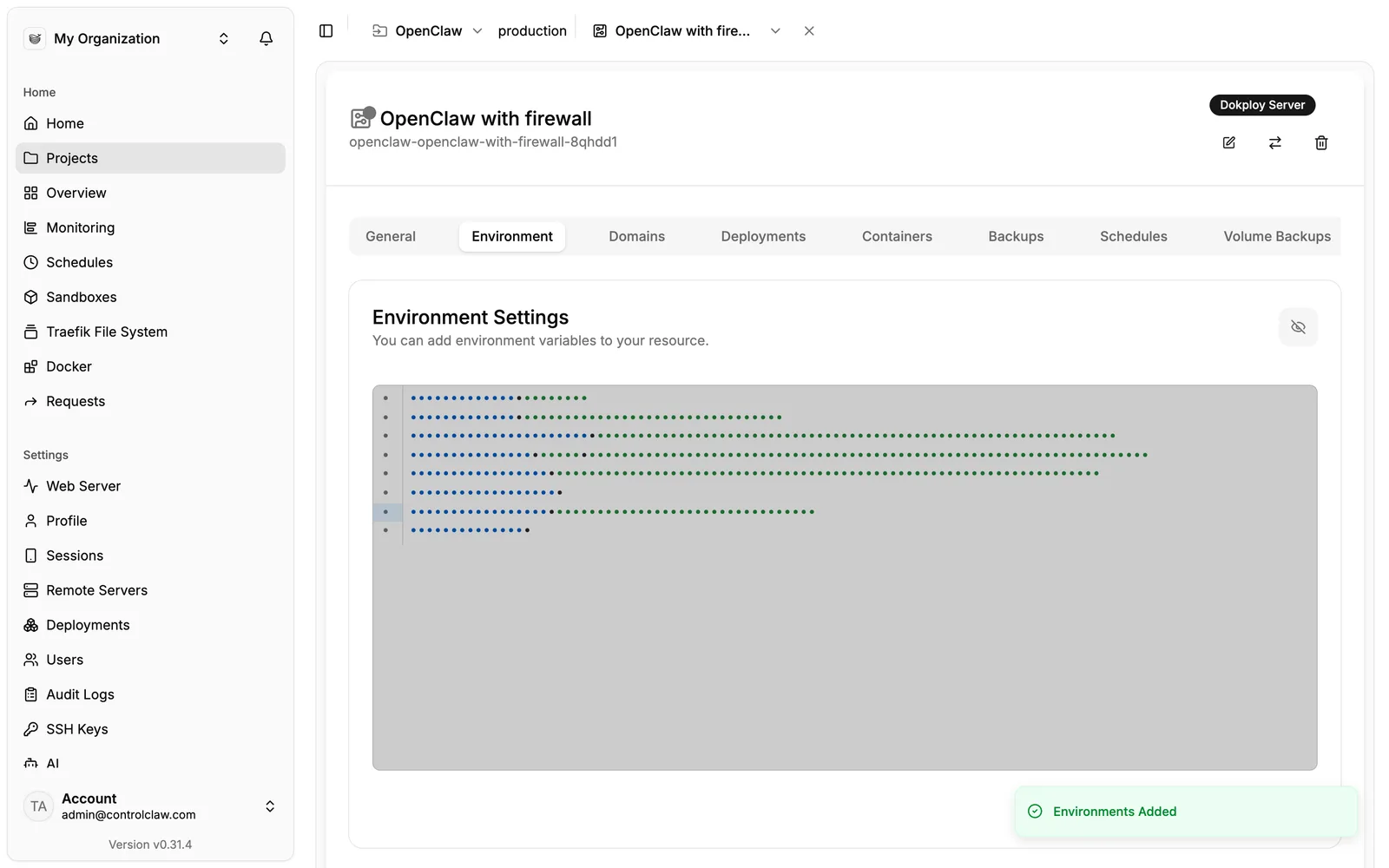
Open the service's Environment tab. The template has filled in OpenClaw's login
(AUTH_USERNAME, AUTH_PASSWORD), its gateway token and the panel's address. Set one of
ANTHROPIC_API_KEY, OPENAI_API_KEY or OPENROUTER_API_KEY, and save.
Check the domains
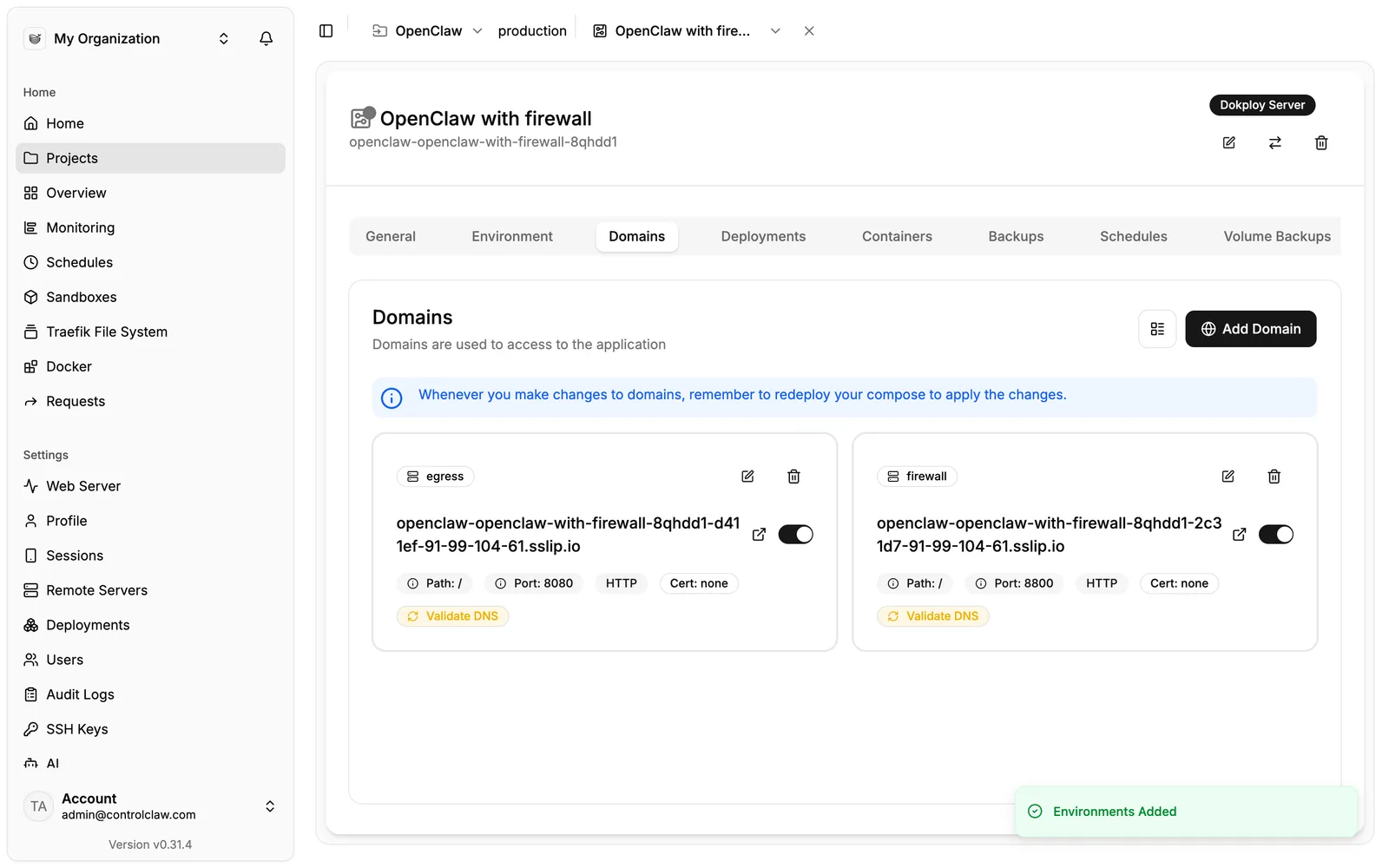
The Domains tab has two: one for egress (OpenClaw's Control UI, port 8080) and one for
firewall (the panel, port 8800). Change them to your own domains if you like, and update
LOCAL_PANEL_URL and LOCAL_PANEL_HOSTS in Environment to match the panel's: the firewall
answers only under that name.
Give the panel an HTTPS domain, with https:// in LOCAL_PANEL_URL. The panel signs you in with a
cookie that browsers keep only over HTTPS: on a plain http:// domain it signs you out after every
page.
Deploy
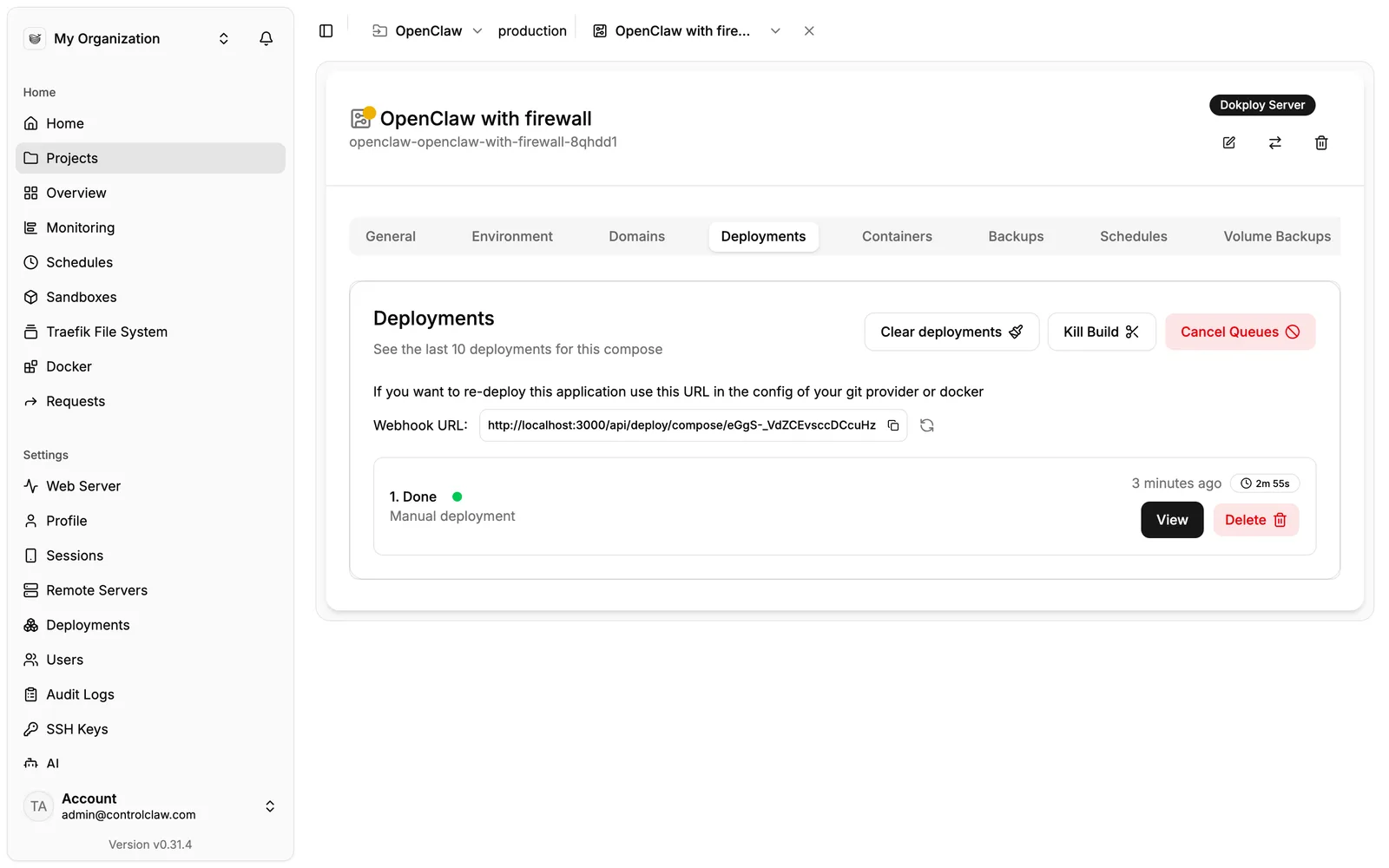
On the General tab, click Deploy. The first start takes a few minutes while the images download. Deployments shows Done when it's up.
Open the panel
Open the firewall's domain. The panel asks for a one-time setup token. Find it in the firewall
container's logs, on the line that starts with [cc-local] no admin yet. Paste the token, and set
the admin password right away: until you do, anyone who can read the log can set it.
Open OpenClaw and check the traffic
Open the egress domain and sign in with AUTH_USERNAME and AUTH_PASSWORD from the environment.
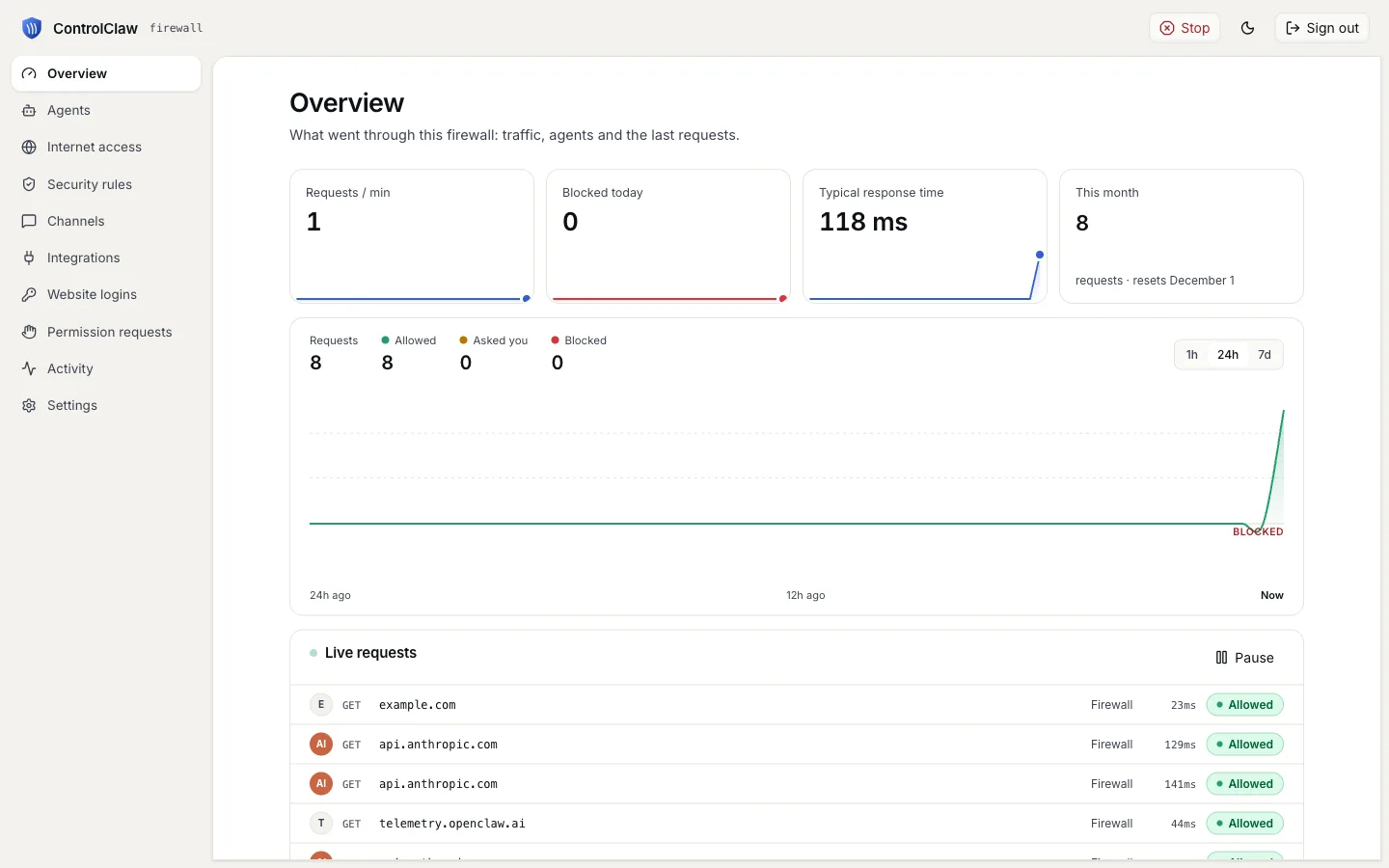
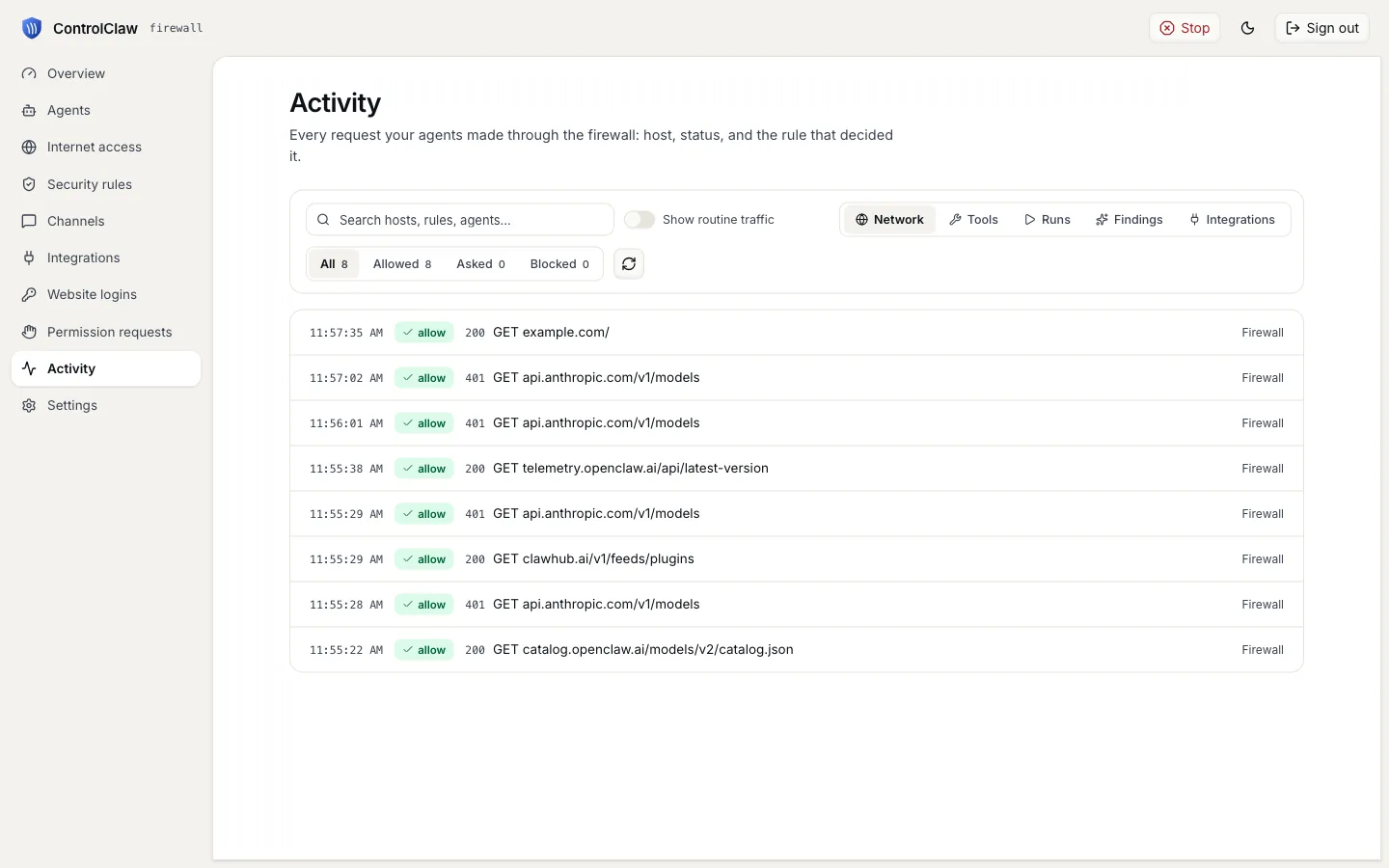
Ask OpenClaw something that needs the web. Its requests show in the panel's Overview and
Activity.
Lock it down
A new firewall allows every site and logs it. In the panel, open Internet access and set
Every other site to Block. Then allow your model provider's host, for example
api.anthropic.com, or OpenClaw can't reach its model.
What this setup can't do
Compared with npx controlclaw up --all on a plain server:
- The panel can't set OpenClaw's model or bots, or stop it.
- OpenClaw's requests show without an agent name, so rules and secrets for one named agent don't apply to it. Rules for every agent do.
Remove it
Delete the service in Dokploy. Its volumes hold the firewall's certificate authority and every
secret it holds: if Dokploy leaves them on the server, list them with docker volume ls and remove
them with docker volume rm.
Coolify
Deploy OpenClaw on Coolify behind the open-source ControlClaw firewall. One Compose file, pasted as a new resource, makes the firewall OpenClaw's only way to the internet.
Akamai / Linode
Deploy OpenClaw on an Akamai (Linode) server behind the open-source ControlClaw firewall, with one user data script.