OpenClaw firewall skill
The controlclaw-firewall skill lets your OpenClaw install the ControlClaw firewall for itself, or join a firewall you already run. Install it from ClawHub, OpenClaw Directory or skills.sh.
controlclaw-firewall is an OpenClaw skill. With it, you can ask your OpenClaw to set up the
ControlClaw firewall in a chat: "put a firewall in front of yourself", or "join my firewall, here
is the pairing code". OpenClaw then runs the controlclaw command for you, after it explains what
will change and you say yes.
The skill is a text file of instructions. The firewall it installs is open source (AGPL-3.0) and runs in Docker on Linux.
Install the skill
OpenClaw's own skill registry.
The skill's listing, with its description and install command.
The open agent skills directory.
From ClawHub, on the machine where OpenClaw runs:
openclaw skills install @madawaldos/controlclaw-firewall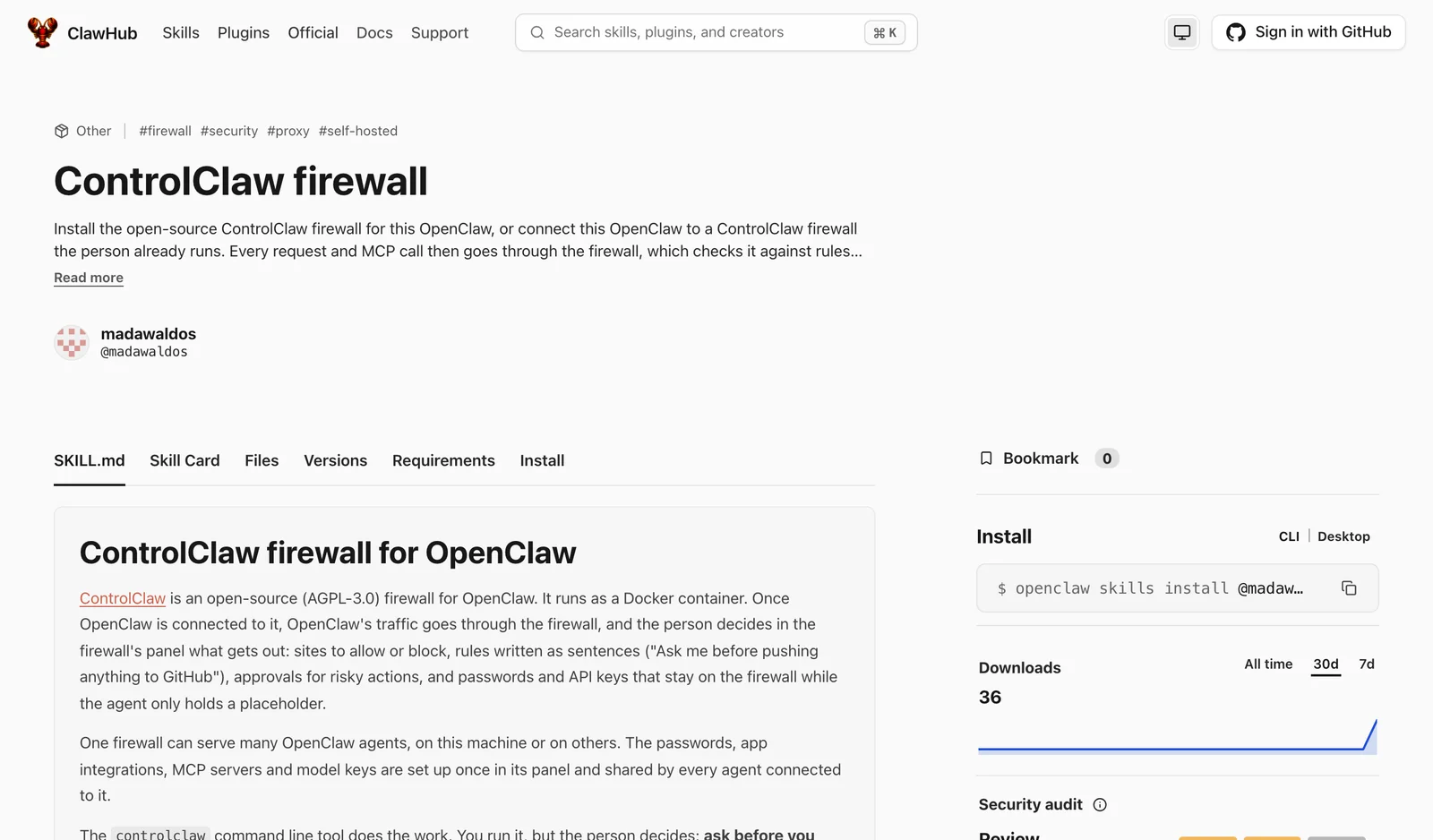
With the skills tool, from the skill's GitHub repository:
npx skills add madarco/controlclaw-skills --skill controlclaw-firewall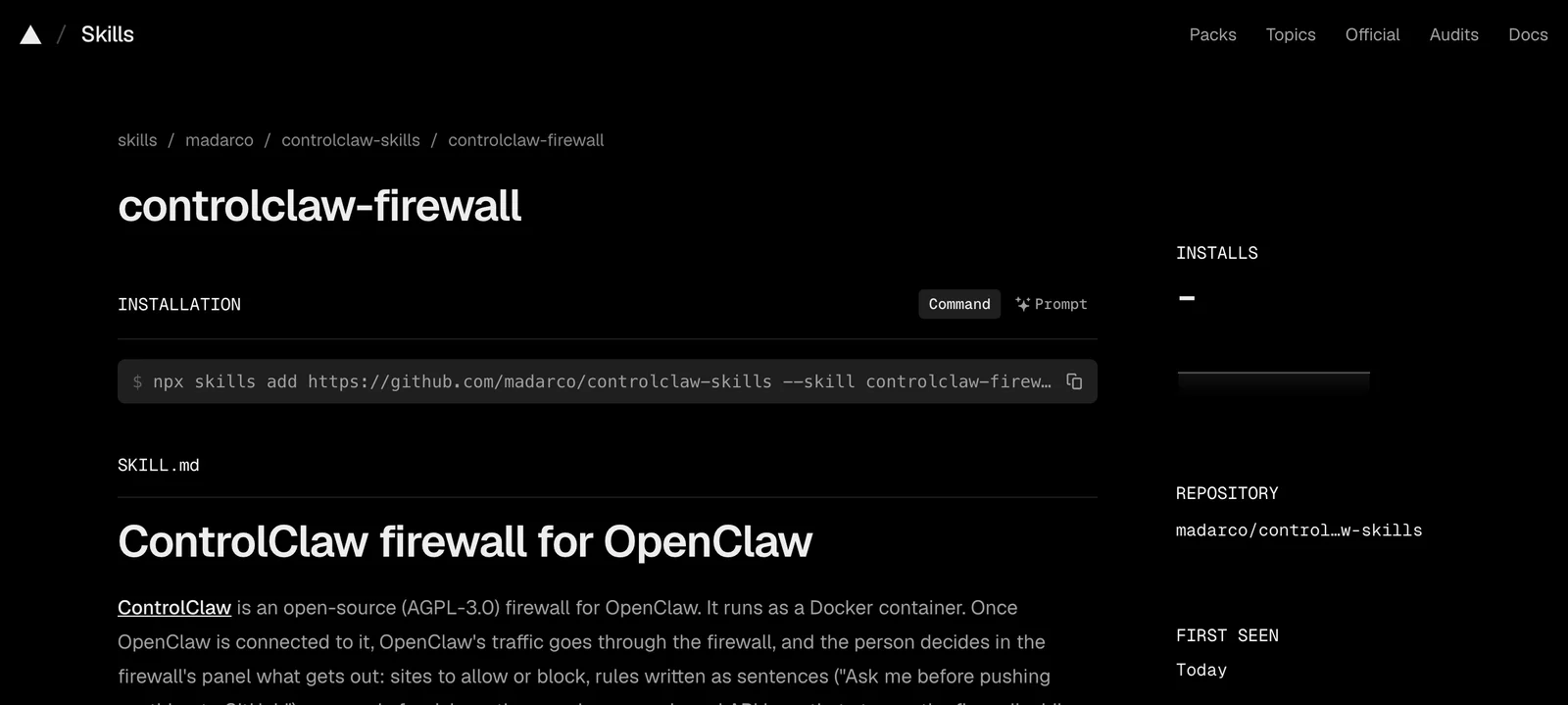
Then start a new conversation with OpenClaw, so it loads the skill.
What it does
The skill asks which setup you want, in one message:
- A firewall on this machine, for this OpenClaw. OpenClaw checks the machine with
npx controlclaw doctor, tells you whatnpx controlclaw up --herewill change, and runs it once you agree. If OpenClaw itself runs in a container, it gives you the command to run on the host instead. - Join a firewall you already run. You give it the firewall's pairing address and a pairing
code from the panel (Agents, Connect an agent). OpenClaw keeps the code off the command
line and runs
npx controlclaw connect. - Make this machine the firewall for several agents. It installs the firewall on the machine's private address, and each agent joins it with its own code.
At the end, it checks the result with npx controlclaw status and gives you the panel's link. Set
the panel's password straight away.
What it asks before acting
- It changes nothing until you say yes, and it uses
sudoonly if you allow it. - It tells you when OpenClaw's user could undo the firewall, for example with sudo, so you can take that right away.
- It never undoes the firewall or works around it later. That is the point of having one.
Which machines it supports
The firewall needs Linux (amd64 or arm64), Node 22 or newer and Docker 28 or newer. On macOS or Windows the skill stops and says so.
To set up a new server with OpenClaw and the firewall together, without a chat, see Deploy OpenClaw with a firewall.