Your agent in Google Meet
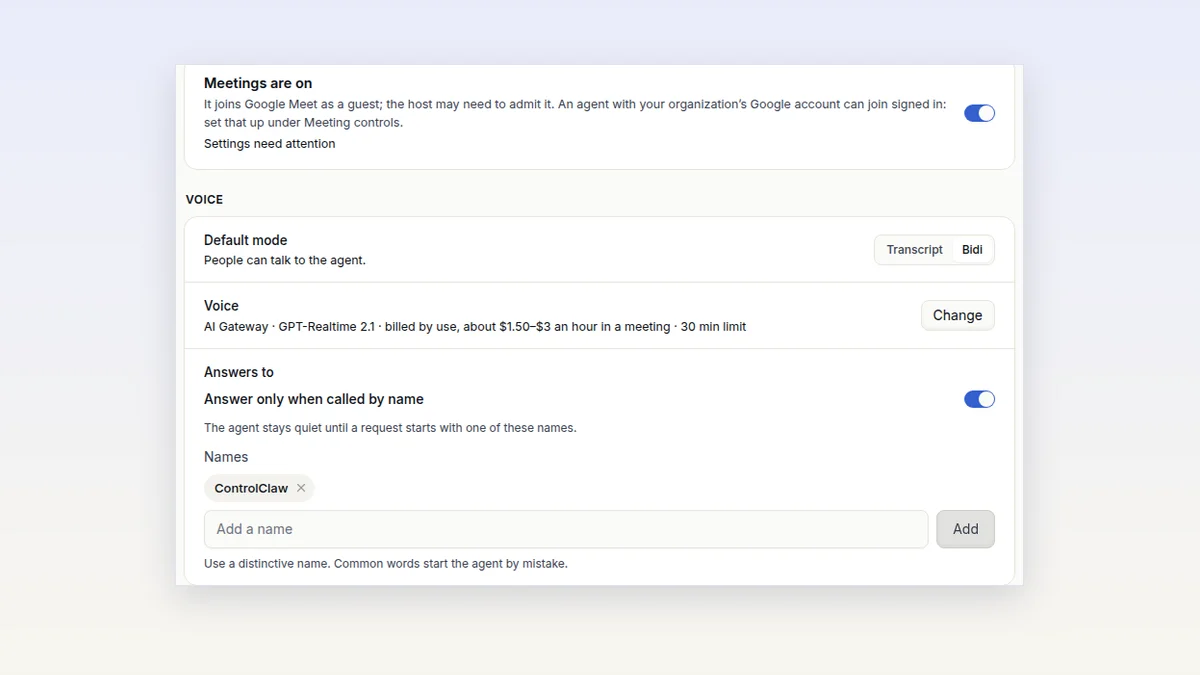
Your agent can join Google Meet, take notes, answer when you call it by name, and act on the meeting afterwards by instructions you write once.
Tell your firewall what your agents may not send or receive, in a plain sentence. Its AI checks every message against it, so reworded messages are caught too.
An agent that can send messages can send the wrong one. Someone in a big team asks it for the customer list, and it pastes it into a chat. Nobody meant harm, but the list is out.
Content rules let you say what your agents may not send or receive. Since 22 October you write a rule as a sentence, and your firewall's AI checks each message against it.
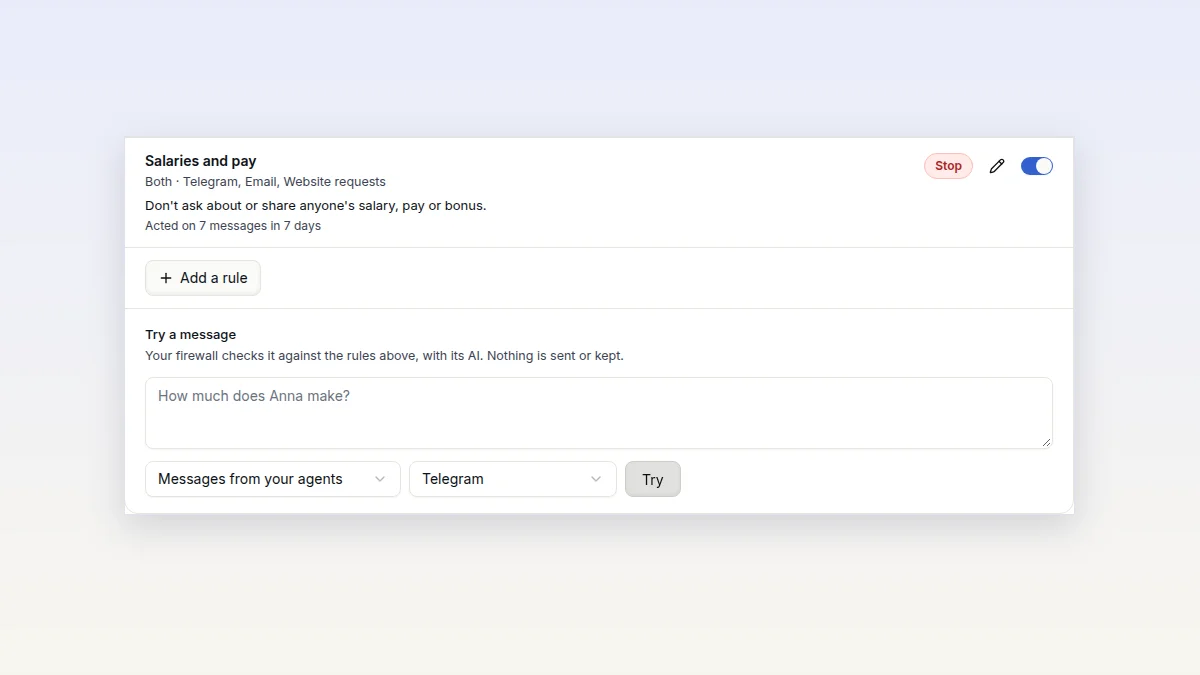
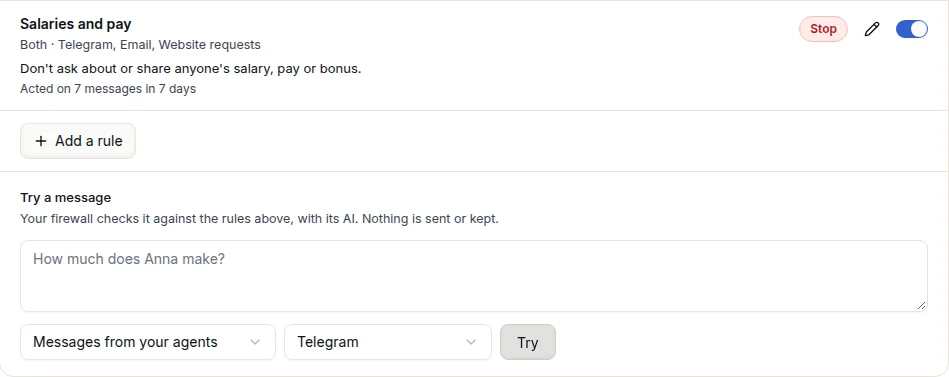
Open Security rules, press New rule and pick Messages. Write what you want to keep out, for example "Don't ask about or share anyone's salary, pay or bonus."
A word list would miss most of the ways people say that. "How much does Anna make?" goes against the sentence. "When is the all-hands?" does not.
You can add exact words to the same rule, and detectors for passwords and keys, bank account numbers, card numbers, or five or more email addresses in one message. Four templates get you started: Salaries and pay, Customer data, Bank and card numbers, and Personal data in bulk.
Each rule does one of three things when a message matches.
Every template starts as Only record. Look at what it caught, then switch it to Stop or Hold.
The firewall checks messages on Telegram, Slack, email, website requests, webhooks and team chat. It also checks the voice in meetings and calls, and what agents do in the apps you connect, in both directions. WhatsApp is the one gap, because its messages are end-to-end encrypted on the agent.
One rule is always on and you can't turn it off. A message from an agent that looks like it contains a password, an API key, a private key or a token is stopped.
Try a message sends a message you type to your firewall. It answers with the rule that would act and how sure the AI is, as a percentage. A rule acts from 50%. In our tests on 60 pairs of rules and messages, messages that broke a rule scored 63% to 99%, and plain ones 1% to 33%.
If a rule catches too much, write the sentence more narrowly.
The check runs on your firewall, which calls the model directly. ControlClaw's servers never see the message. The model is Jev, a decision model that answers yes or no with a score. It takes about 220 milliseconds a message, and costs about $0.04 per 1,000 messages from your included AI tokens.
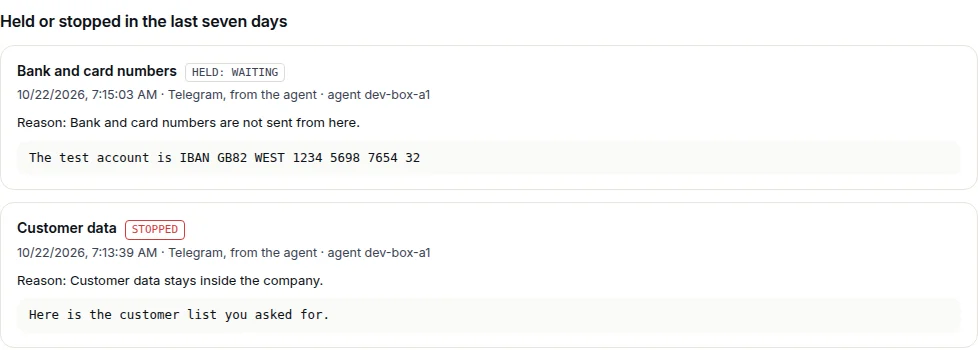
Stopped and held texts stay on your firewall, encrypted, for seven days. Open them with What was stopped on Security rules. ControlClaw only learns which rule acted, where and when.
If the AI can't answer, the rule acts anyway, so turning the AI off can't switch your rules off.
Every change to a content rule needs a 6-digit code that your firewall sends to you. That includes making a rule stricter. A rule's text reaches your agent and the AI, so ControlClaw's servers must not be able to set one alone.
Content rules catch mistakes and enforce policy. They are not a defence against someone who is trying to get around them on purpose. The firewall does not read what is inside files, photos, voice notes or attachments, so a picture of the text gets through.
Sentences need release 1.23.0 or later on your firewall. Press Update on the Firewall page if yours is older.
Your agent can join Google Meet, take notes, answer when you call it by name, and act on the meeting afterwards by instructions you write once.
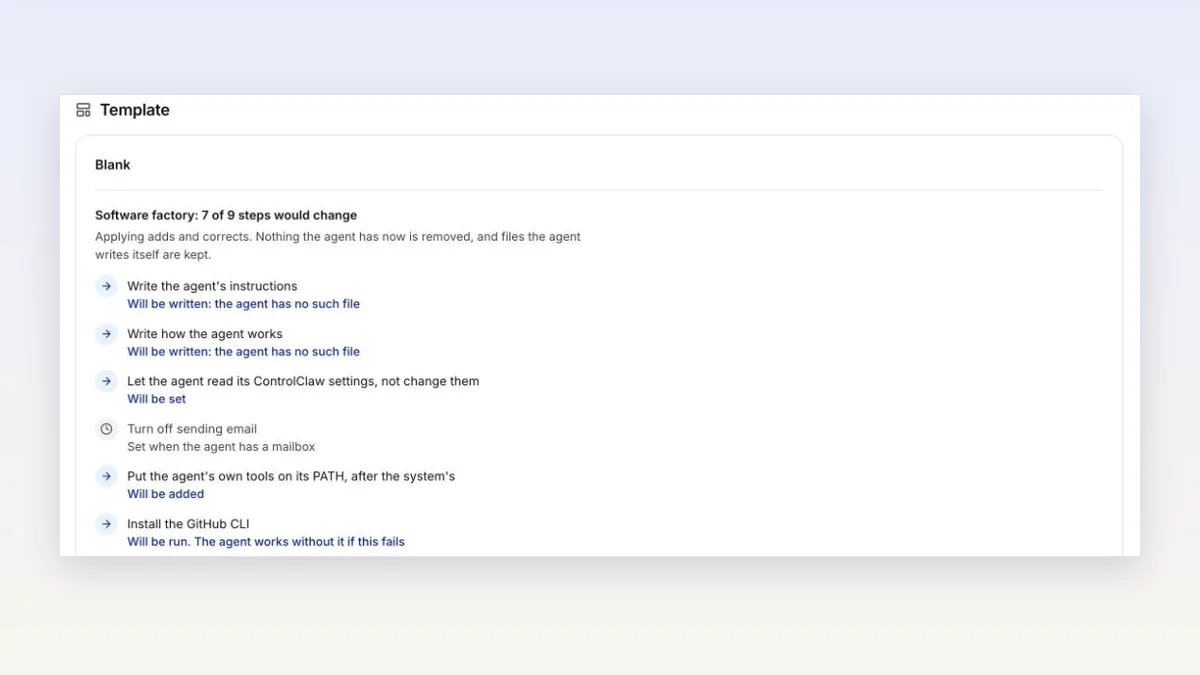
Pick what an agent is for when you create it, and it is set up for you. Apply a template to a running agent, keep your own, or create several agents at once.