Safe Theme Editing: Preview Changes Before Going Live
Every Shopify store owner knows the feeling. You need to update a banner, tweak a product layout, or add a new section to your homepage. But one wrong move could break your entire store - right when customers are browsing.
The Problem: Fear of Breaking Your Live Store
Making changes to a live Shopify store is stressful. One misplaced bracket, one deleted line of code, and suddenly your checkout button disappears or your homepage shows a blank screen.
The traditional approach forces you to choose between two bad options. You can make changes directly on your live store and hope nothing breaks. Or you can hire a developer, wait days for updates, and pay premium rates for simple tweaks.
Neither option works for busy store owners who need to move fast. You end up postponing updates, losing sales opportunities, and watching competitors out-execute you.
The Solution: ControlClaw's Safe Preview Environment
ControlClaw eliminates the fear of breaking your store by giving you a complete staging environment. Every change you make happens in a protected sandbox - completely isolated from your live store.
Think of it as a practice field for your store. You can experiment freely, test bold ideas, and catch problems before they ever reach your customers.
How It Works
-
Connect Your Store: Link your Shopify store to ControlClaw in seconds. Your live store remains untouched while we create a staging copy.
-
Make Your Changes: Use the AI chat to describe what you want, or edit code directly in the workbench. Add new sections, update styles, reorganize layouts - anything you need.
-
Preview in Real-Time: See exactly how your changes look on desktop and mobile. Test different scenarios, click through pages, and verify everything works.
-
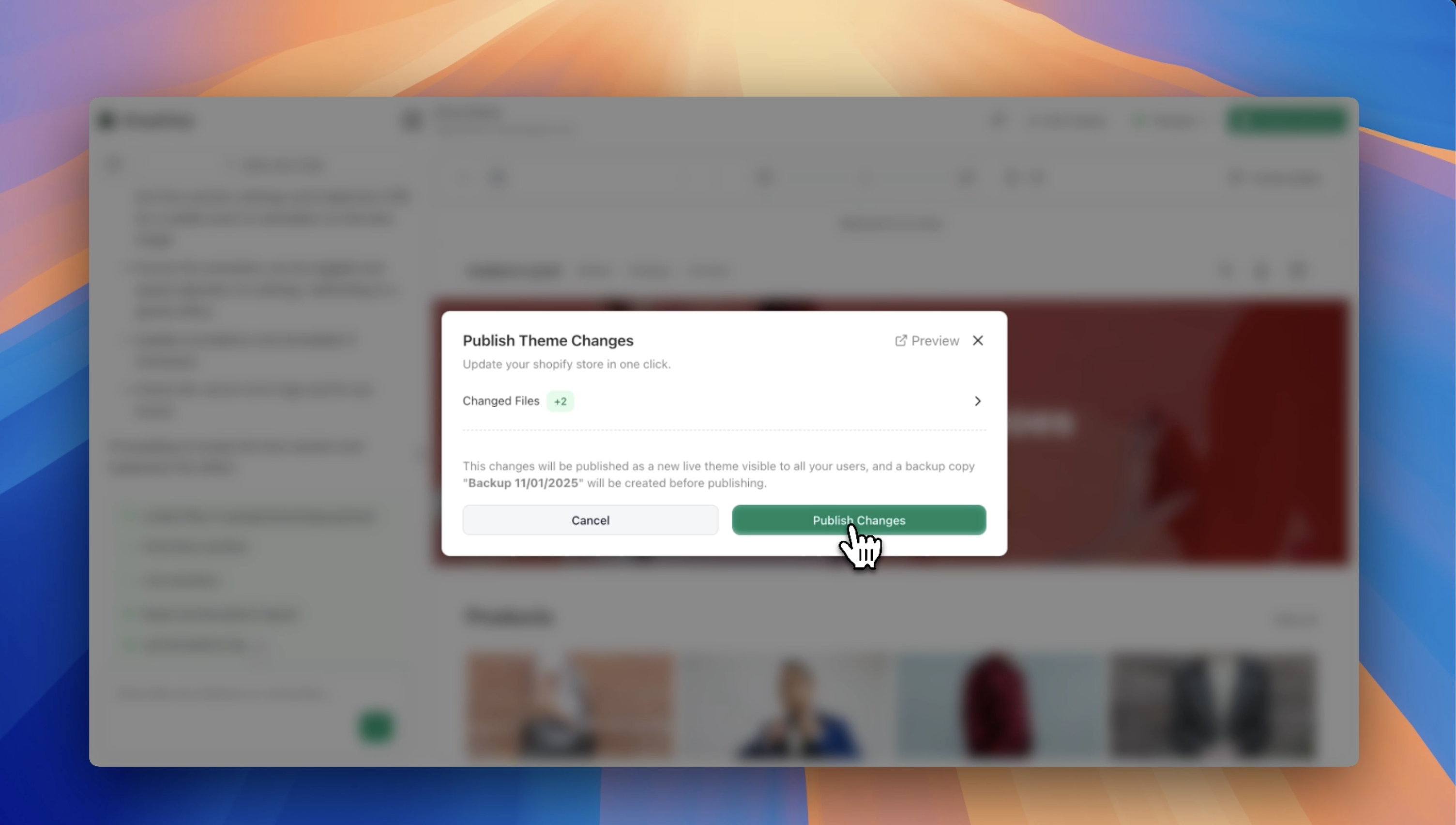
Review the Diff: Before deploying, review a clear visual diff showing exactly what changed. No surprises, no hidden modifications.
-
Deploy with Confidence: When you are ready, push your changes to the live store with one click. Your updates go live instantly.
Key Safety Features
-
Instant Rollback: Made a mistake? Roll back to any previous version in seconds. Your store history is always preserved.
-
Change Isolation: Each editing session runs in its own sandbox. Multiple team members can work simultaneously without conflicts.
-
Error Detection: ControlClaw's AI catches common mistakes before you deploy - missing closing tags, broken links, and syntax errors.
-
Version History: Every change is tracked and timestamped. Compare versions, understand what changed, and restore any previous state.
-
GitHub Integration: Connect your repository for proper version control. Push changes to GitHub before deploying to your store.
Start editing your theme safely today
Get StartedReal-World Use Cases
Seasonal Updates: Preparing for Black Friday? Build your entire promotional layout in staging. Test everything thoroughly, then flip it live at exactly the right moment.
A/B Testing Ideas: Want to try a new product page layout? Create it safely in staging, compare it side-by-side with your current design, and deploy only when you are confident it will convert.
Agency Workflows: Managing stores for multiple clients? Use ControlClaw's team features to let junior team members make changes safely while seniors review before deployment.
Learning Without Risk: New to Shopify development? Experiment with Liquid code, break things intentionally, and learn from mistakes without any consequences to your live store.
Deploy Only When Ready
The power of ControlClaw's safe editing is simple: you control when changes go live. There is no pressure, no countdown timer, no risk of accidental deployment.
Take your time perfecting that new homepage section. Show it to your team for feedback. Sleep on it. When everything looks exactly right, hit deploy and watch your vision come to life.
Get Started Today
Stop gambling with your live store. ControlClaw's safe preview environment lets you move fast without breaking things.
Sign up for ControlClaw and experience stress-free theme editing. Your first project is on us.

Questions about safe theme editing? Reach out to us at support@controlclaw.ai or schedule a demo to see the preview environment in action.