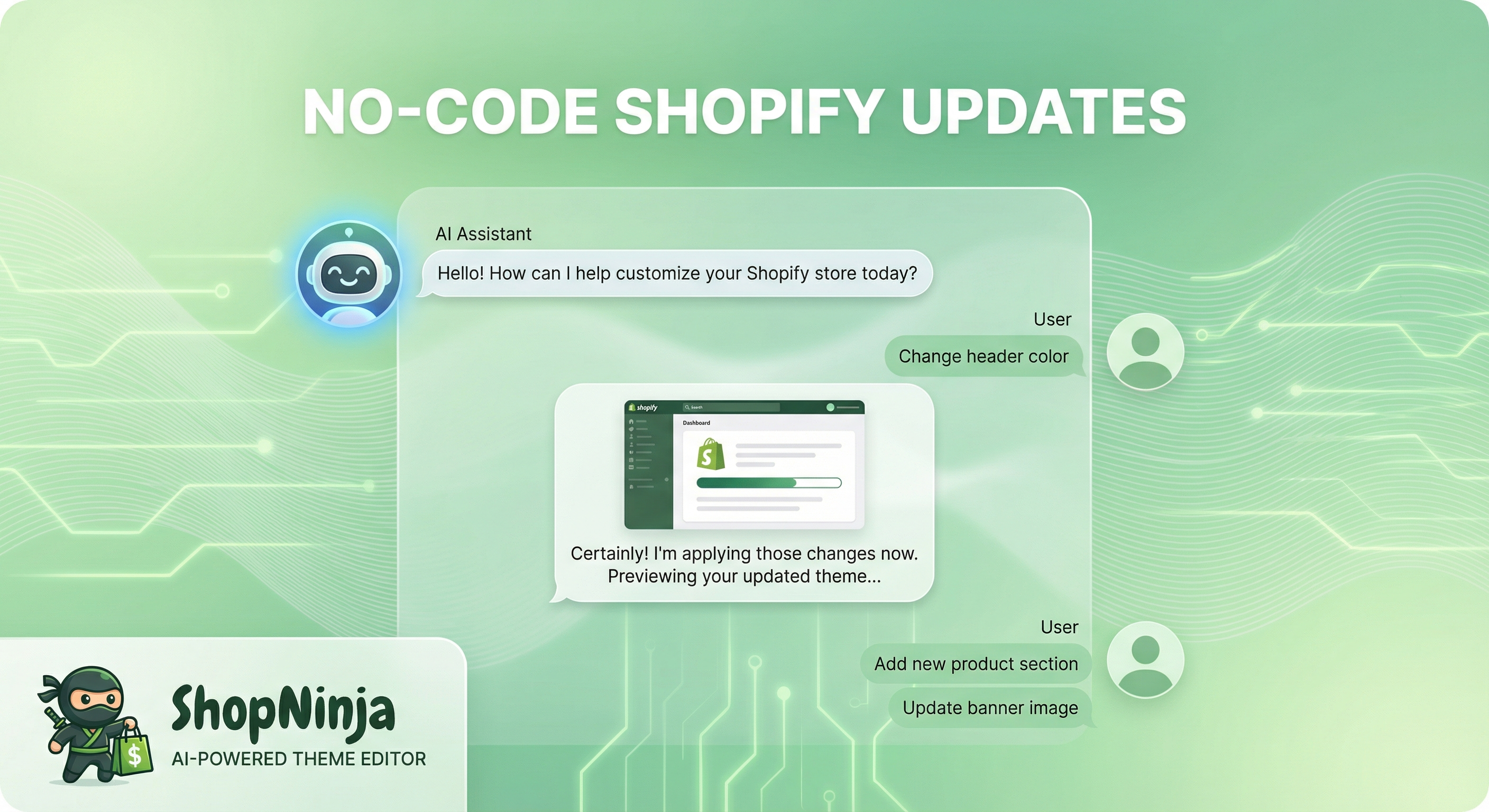
No-Code Shopify Updates: Chat Your Way to Store Changes
You have a vision for your store. Maybe it's a new banner for your seasonal sale, a tweak to your product layout, or a complete color scheme refresh. But between you and that vision stands a wall of code, confusing documentation, and the dreaded wait for developer availability.
What if you could just ask for what you want?

The Problem: Technical Barriers to Simple Updates
Every Shopify store owner has been there. You need to make a simple change - update your announcement bar, adjust some padding, or swap out a hero image. It should take five minutes.
Instead, you're staring at Liquid templates, CSS files, and section schemas that might as well be written in hieroglyphics. You reach out to a developer, wait three days for a response, pay for an hour minimum, and finally get your five-minute change.
This cycle repeats every time you want to update your store. And each time, you lose momentum, miss opportunities, and feel less in control of your own business.
The Solution: AI-Powered Plain English Commands
ControlClaw's AI Chat Assistant changes everything. Instead of learning code or hiring help, you simply describe what you want in plain English.
Tell the AI to "make the announcement bar background mint green" or "increase the spacing between products on the collection page." The AI understands your intent, writes the necessary code, and applies the changes - all in seconds.
No syntax errors. No broken layouts. No waiting.
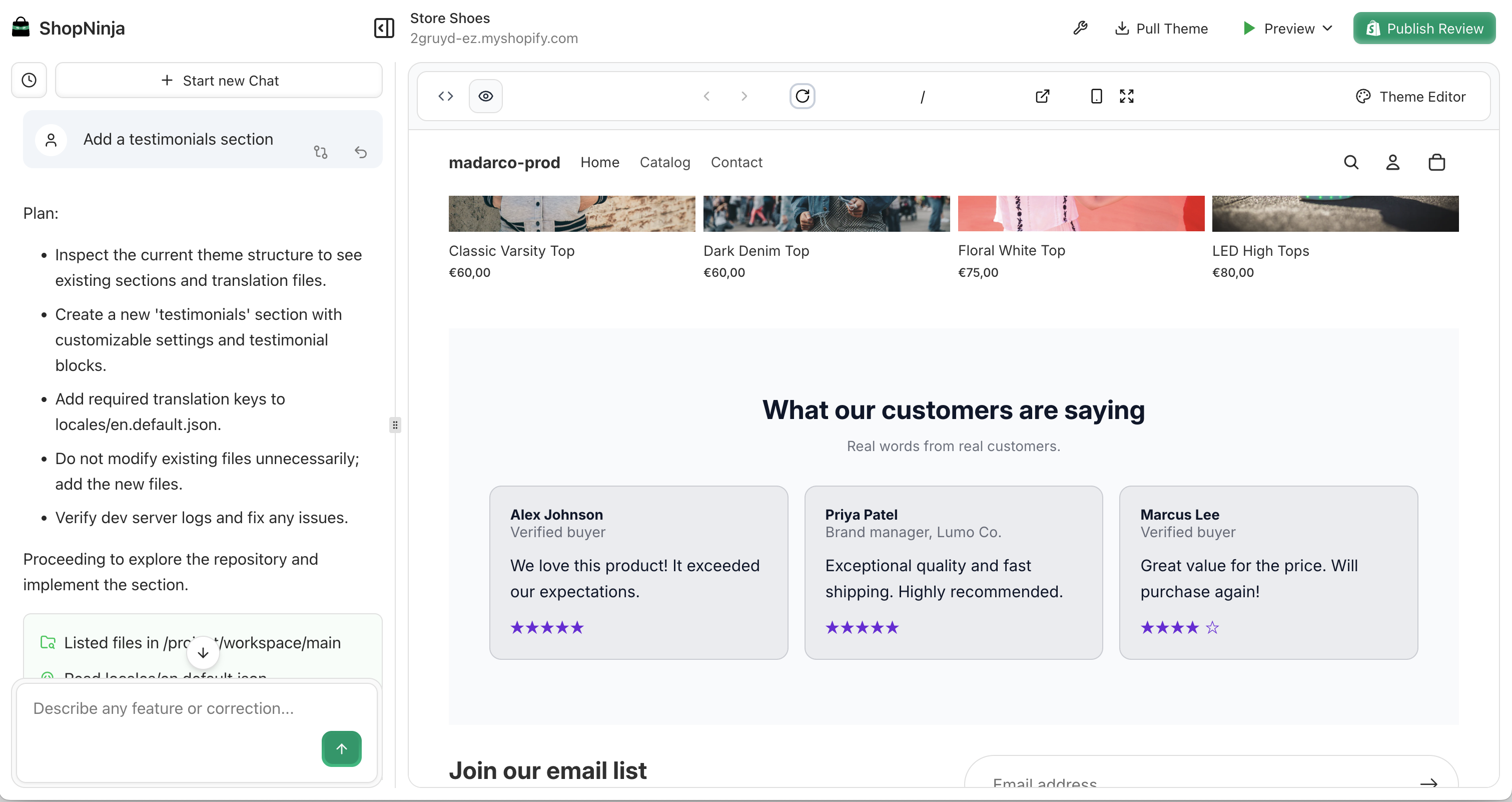
What You Can Do With Chat
The possibilities are broader than you might expect. Here are real commands ControlClaw users give every day:
Visual Changes
- "Change the header background to dark blue"
- "Make the product titles larger and bold"
- "Add more space below the hero section"
- "Center the logo in the navigation"
Content Updates
- "Update the announcement bar to say 'Free shipping on orders over $50'"
- "Add a new section below the featured products with a newsletter signup"
- "Remove the 'Sale' badge from product cards"
Layout Adjustments
- "Show 4 products per row on desktop instead of 3"
- "Move the product description above the price"
- "Add sticky navigation so the menu stays visible when scrolling"
Store-Wide Improvements
- "Improve mobile responsiveness across all pages"
- "Add hover effects to all buttons"
- "Update the color scheme to match this hex code: #2A9D8F"
How It Works
Using ControlClaw's AI Chat is as simple as having a conversation.
Step 1: Connect Your Store Link your Shopify store to ControlClaw. The AI instantly understands your theme structure, available sections, and current styling.
Step 2: Describe Your Change Type what you want in the chat. Be as specific or general as you like. The AI will ask clarifying questions if needed.
Step 3: Preview and Approve Every change appears in a safe preview environment first. See exactly how your store will look before anything goes live.
Step 4: Apply or Iterate Happy with the result? Push it live with one click. Want adjustments? Just tell the AI what to tweak.
Update your store without writing code
Get StartedWho It's For
Store Owners who want direct control over their store without the technical learning curve. Make updates the moment inspiration strikes.
Marketing Teams who need to launch campaigns quickly. Update promotional banners, landing pages, and seasonal content in minutes.
Small Business Owners who wear every hat. Stop spending hours on website maintenance and get back to running your business.
Agencies managing multiple stores who need efficient workflows. Let merchants make simple updates themselves while developers focus on complex builds.
Get Started Today
Your store updates shouldn't require a computer science degree or an expensive developer on retainer. With ControlClaw's AI Chat, you're always just one conversation away from the store you envision.
Sign up for ControlClaw and start making changes to your store in plain English. Your first update is waiting.
Questions about what's possible? Reach out at support@controlclaw.ai or try our live demo to see AI-powered store updates in action.