AI Task Management: How the Kanban Board Automates Store Updates
Managing a Shopify store means juggling dozens of small tasks every week. Update the banner, tweak the footer, fix that mobile layout issue, add a new product section. Each task feels small, but together they eat up hours of your time.
The Problem: Juggling Multiple Store Updates
You have a list of things that need to change on your store. Maybe it's written on sticky notes, buried in email threads, or floating around in your head. Each update requires finding a developer, explaining what you need, waiting for availability, reviewing the work, and requesting revisions.
For agencies managing multiple stores, this multiplies fast. Ten stores with five pending tasks each means fifty items demanding attention. Traditional project management tools can track the work, but someone still has to do it.
What if the tracking system could also handle the execution?
The Solution: AI-Powered Task Queue
ControlClaw's Kanban board combines task management with AI automation. You describe what needs to change in plain English, add it to your queue, and let the AI handle the implementation.
Each task moves through a visual workflow that keeps you informed without requiring constant supervision. You stay in control while the AI does the heavy lifting.
How the Kanban Board Works
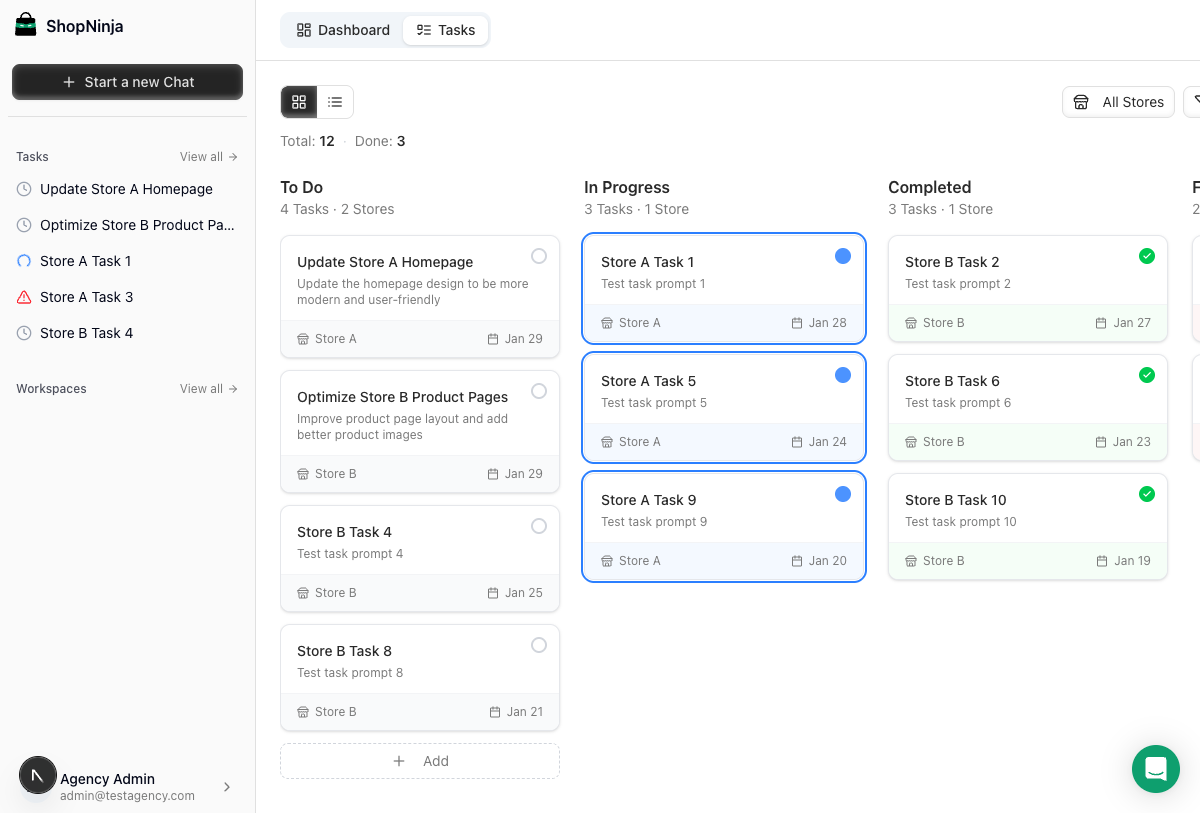
The board uses four columns that represent each stage of task completion. Tasks flow from left to right as they progress through the workflow.
To Do: Queue Your Tasks
Add tasks by describing what you want in plain English. "Update the homepage banner for the spring sale" or "Add customer reviews to product pages" - no technical knowledge required.
Stack up as many tasks as you need. The queue holds everything until you're ready to start processing. Drag tasks up or down to set priority order.
In Progress: AI Handles Execution
When you're ready, move a task to In Progress. The AI picks it up and starts working in your store's development environment. It reads your theme files, understands the structure, and implements the changes.
You can watch the progress in real-time through the integrated workbench. The AI shows you what it's doing, which files it's modifying, and why it's making specific choices.
Completed: Verified Changes
Finished tasks land in the Completed column. Each completed task includes a summary of what changed and which files were modified. Review the changes in the safe preview environment before pushing anything live.
Everything stays reversible. If you don't like the result, you can adjust the task description and try again.
Failed: Easy Retry and Troubleshooting
Sometimes tasks fail. Maybe the instructions were unclear, or there was a technical conflict. Failed tasks move to their own column with error details that explain what went wrong.
Review the issue, update the task description if needed, and retry with one click. The AI learns from the context and often succeeds on the second attempt.
Let AI handle your theme tasks
Get Started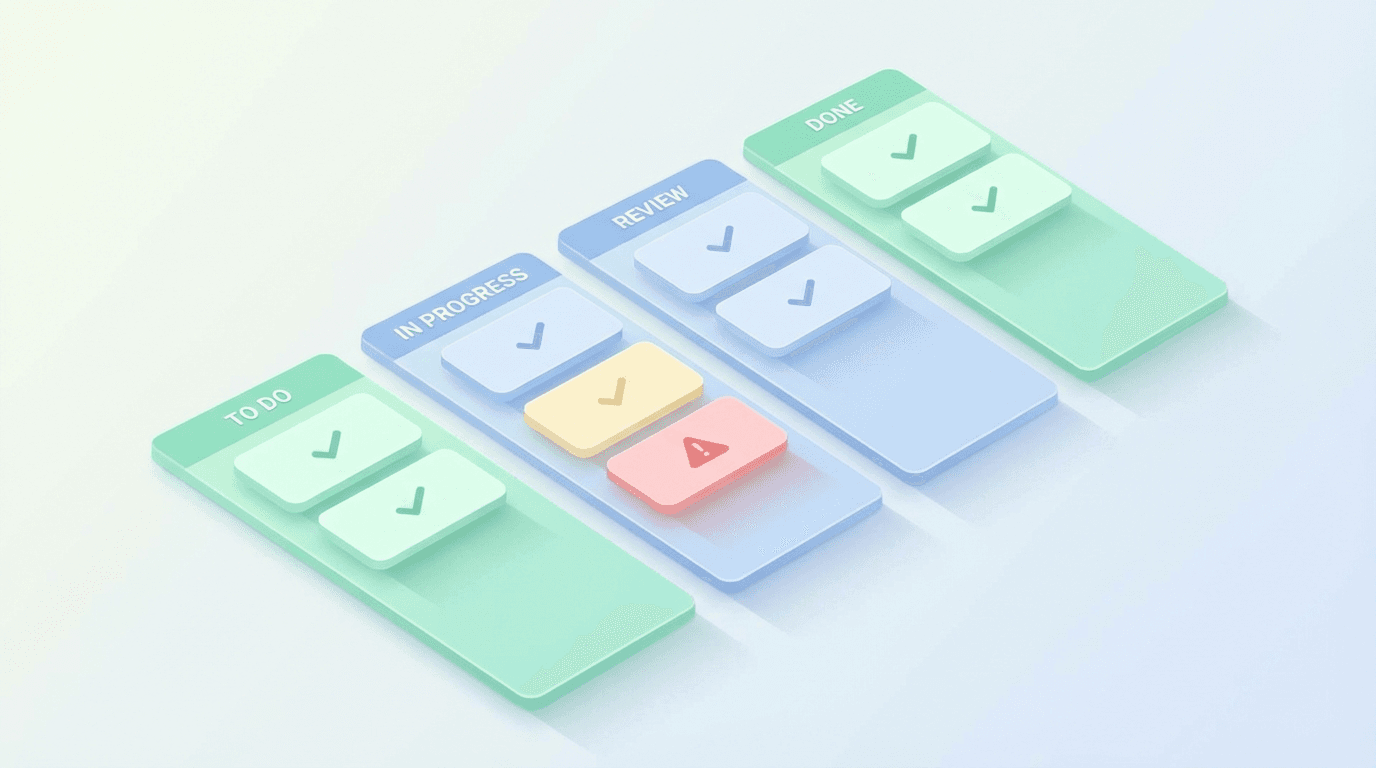
Key Features
The Kanban board includes everything you need for efficient task management:
- Drag-and-drop reordering: Prioritize tasks visually by dragging them into position
- Store and theme filtering: Focus on one store at a time or view everything across your portfolio
- Task retry: One-click retry for failed tasks with preserved context
- Archive functionality: Move completed tasks out of view while keeping them for reference
- Real-time status updates: Watch task progress without refreshing the page
For Teams and Agencies
The Kanban board shines for agencies managing multiple client stores. Team members see only the stores and tasks assigned to their role.
Managers can assign tasks across their team's stores. MerchantAI users can view and process tasks but not modify team settings. Merchant users can create tasks and track progress without accessing the technical workbench.
This role-based access means clients can add their own task requests directly. They describe what they need, you review and prioritize, and the AI handles execution. Everyone stays informed through the shared visual board.
Get Started Today
Stop managing endless to-do lists manually. ControlClaw's Kanban board turns your task queue into an automated workflow that handles store updates while you focus on growing your business.
Sign up for ControlClaw and experience AI-powered task management for your Shopify stores.
Questions? Reach out to us at support@controlclaw.ai or schedule a demo to see the Kanban board in action.